Set Up Your Trading Agent
Step by Step
From cloning the repo to a live agent — every screen you'll see, explained in plain language. Safe, reliable, always at hand.
Get Quantilan — clone the repo
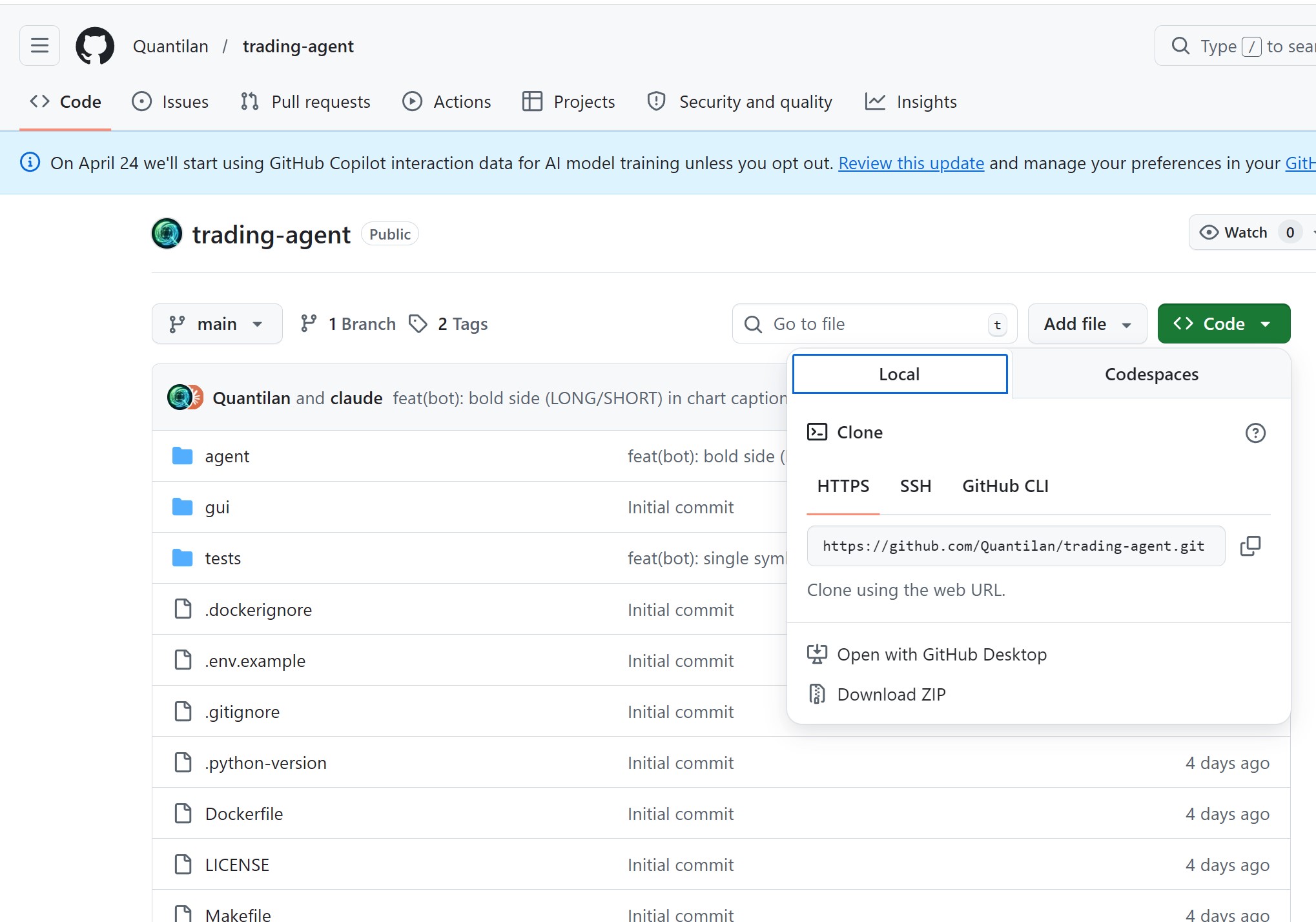
The agent lives on your own machine or VPS — Quantilan never touches your API keys or funds.
- Go to gitlab.com/quantilan/trading-agent and copy the HTTPS clone URL
- Run
git clone https://gitlab.com/quantilan/trading-agent.git - On a fresh Ubuntu VPS prefer:
curl -fsSL https://gitlab.com/quantilan/trading-agent/-/raw/main/install.sh | bash(installs make + Docker, clones, builds) - Or download the ZIP and unzip to any folder
After install you must configure .env (Setup GUI or editor) before production — Telegram bot, risk, and mode-specific keys/tests. Filling nothing and only running the container is not enough.
Open the Setup GUI
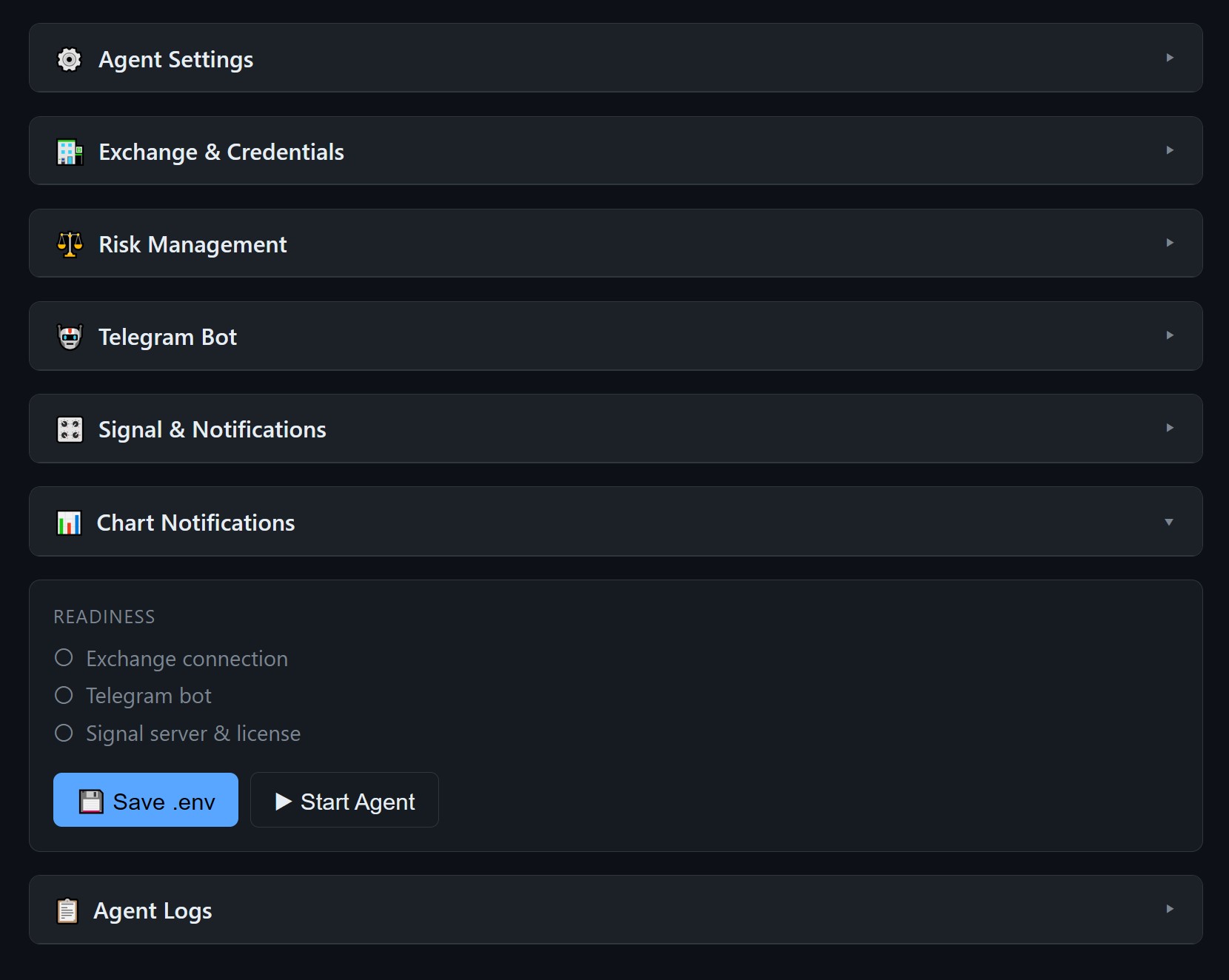
Run make gui (Setup GUI — not make start yet) and open http://localhost:8080 in your browser.
On a VPS: keep an SSH tunnel open from your PC — ssh -L 8080:localhost:8080 user@YOUR_VPS_IP — then open the same URL locally. The GUI binds to localhost only.
The GUI has collapsible sections — fill them top to bottom. The Readiness panel at the bottom shows which checks have passed.
Choose trading mode — Paper or Live
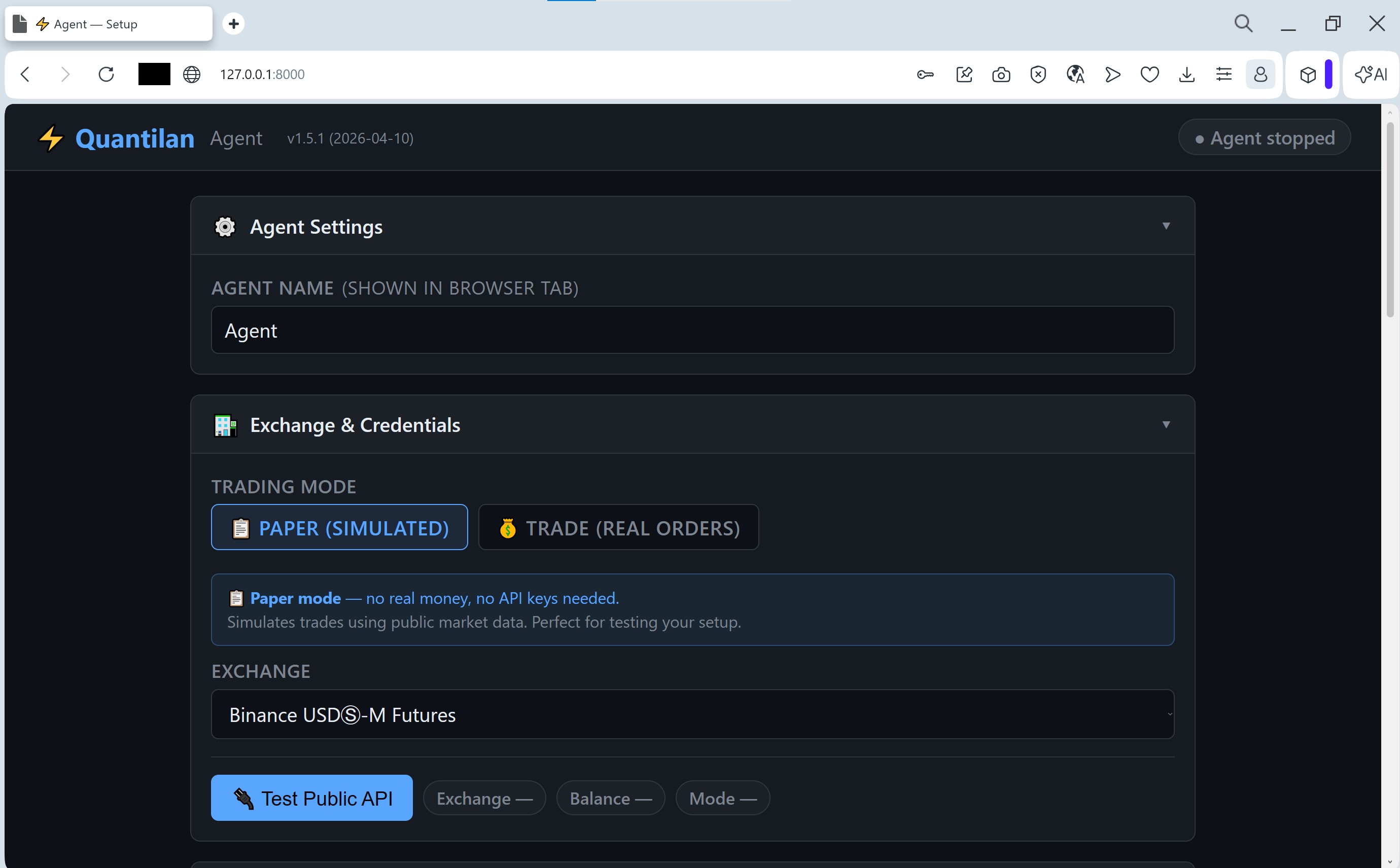
Paper mode simulates trades using real market data — no API keys needed, zero risk. Perfect to verify everything works first.
When you're ready to trade with real funds, switch to Trade (Real Orders).
Select your exchange
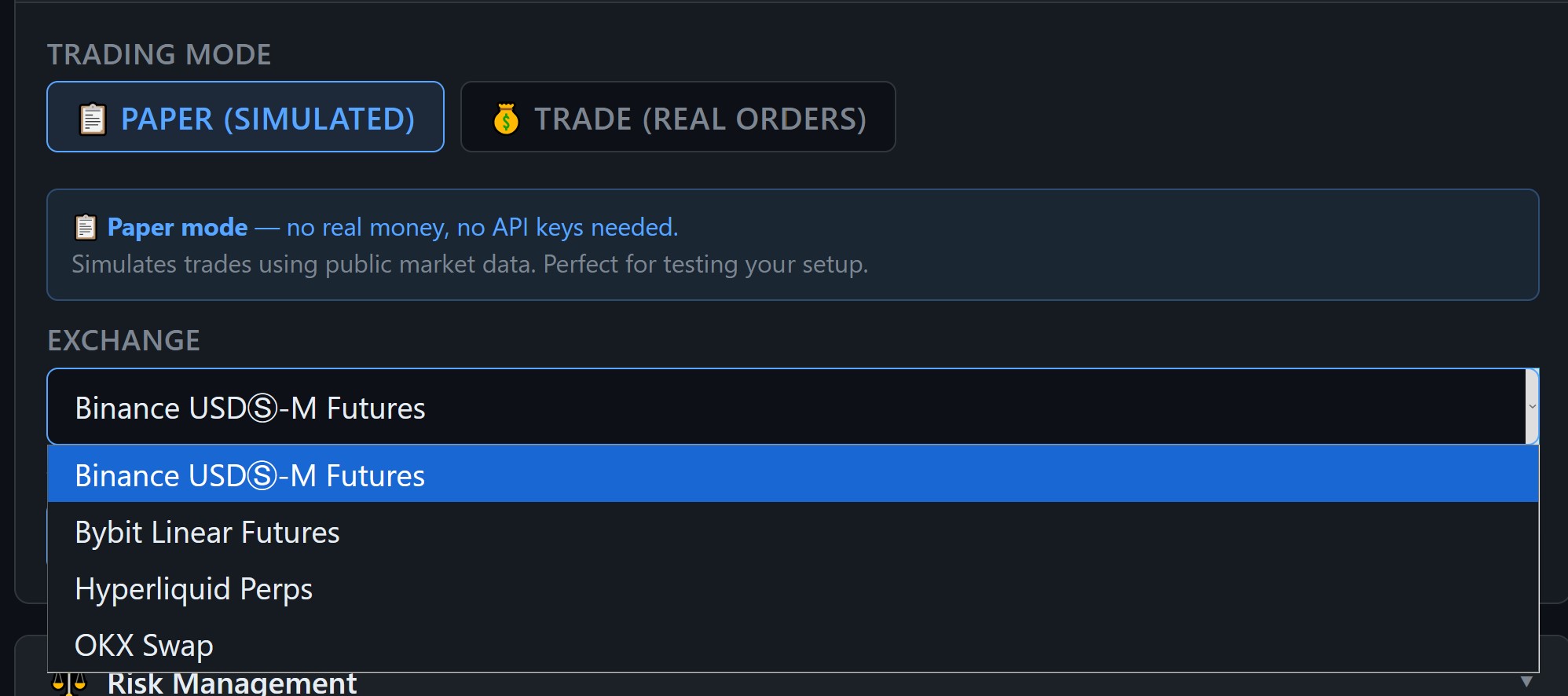
Four exchanges supported out of the box:
- Binance USDⓈ-M Futures
- Bybit Linear Futures
- Hyperliquid Perps
- OKX Swap
Enter API keys (Trade mode only)
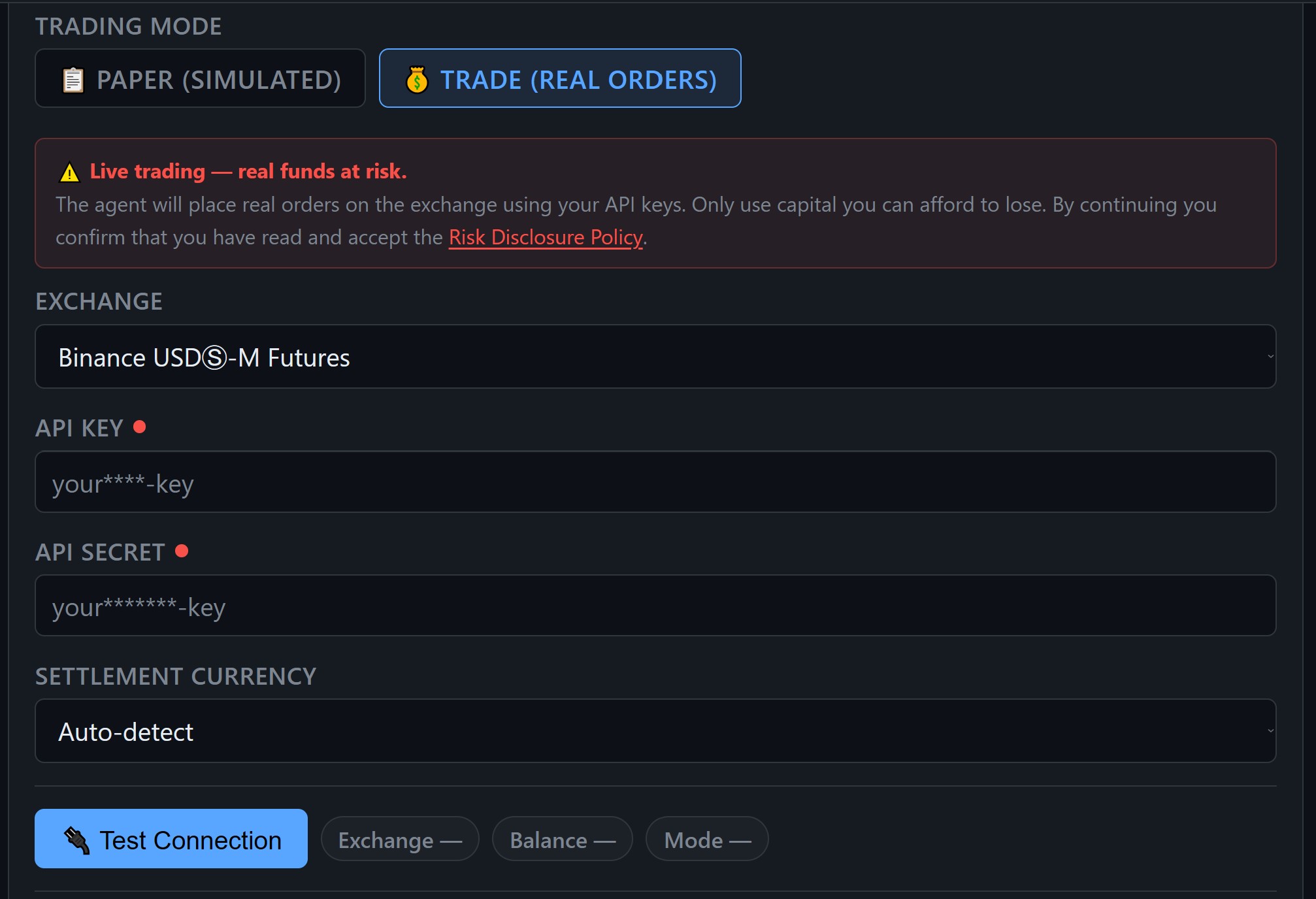
Paste your exchange API Key and Secret. Keys are stored locally in your .env file — never sent to Quantilan servers.
One agent · one account · one strategy. Do not reuse this API key on a second agent. A second strategy or exchange needs its own instance and a separate trading account (subaccount / different key).
- Create API keys on your exchange with Futures trading permission only
- Disable withdrawal permissions for extra safety
- IP-whitelist your VPS address if the exchange supports it
Test the connection
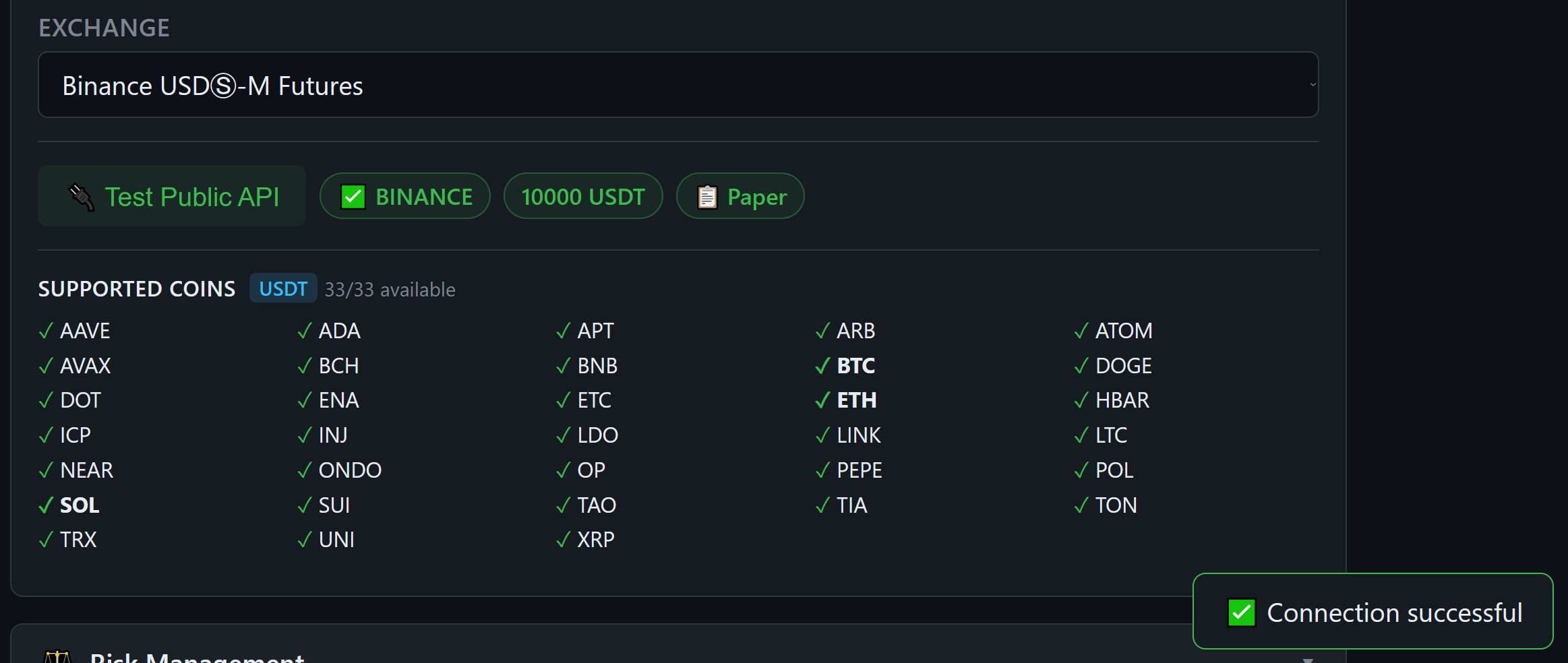
Click Test Public API — the agent checks connectivity and lists all 33 supported coins.
A green Connection successful toast confirms you're good to go. Any error here means a network or key permission issue — not a trading risk.
Run the order test
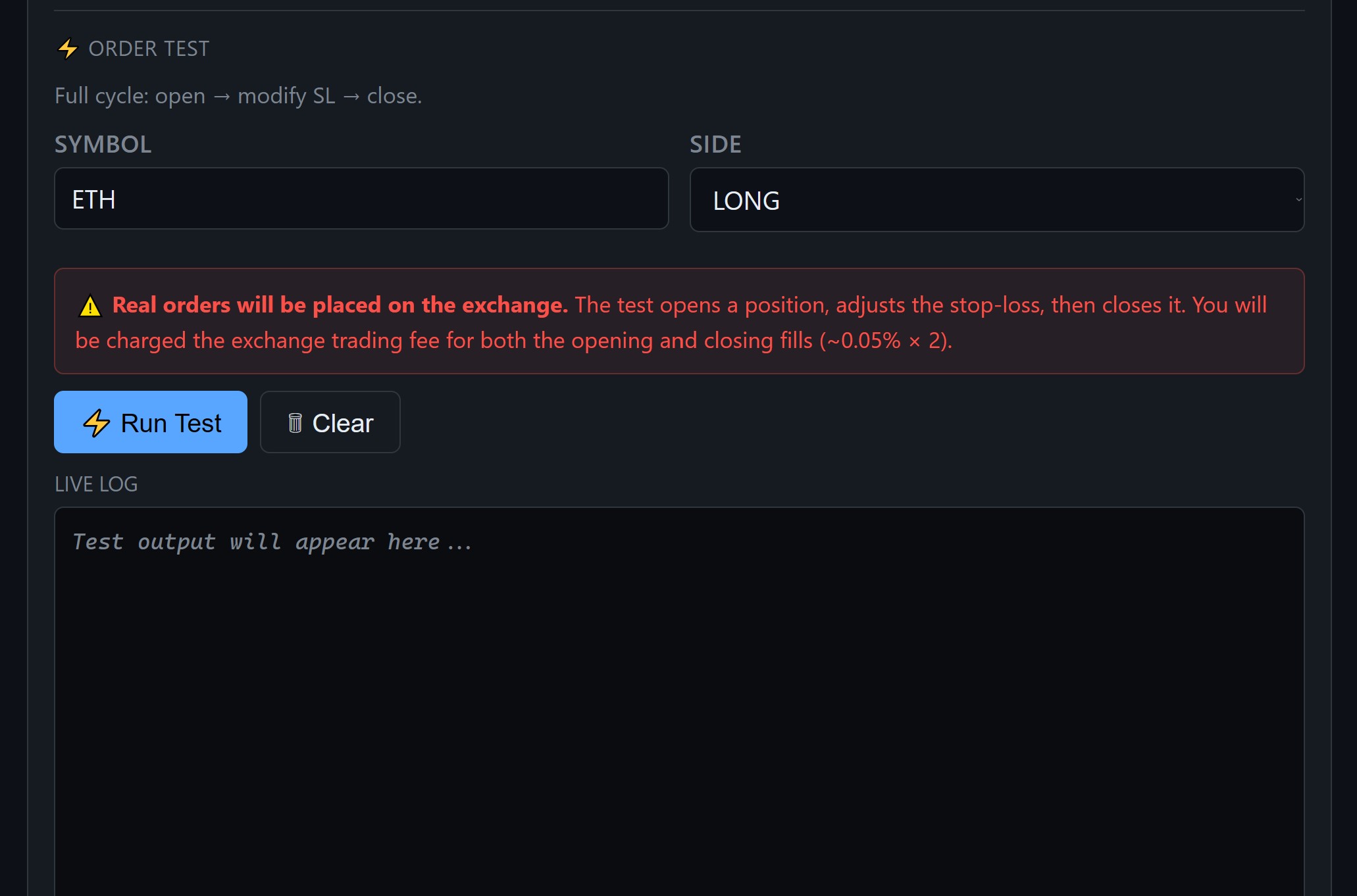
Required in Trade mode before going live: click Run Test to execute a full mini-cycle — open a small position, adjust the stop-loss, then close it. The live log shows each step in real time.
- Confirms your API keys have the right permissions (not only “public API OK”)
- Costs roughly 2? exchange fee (~0.05% ? 2)
- Takes about 5 seconds
- Skip only if you stay in Paper mode
Set risk parameters
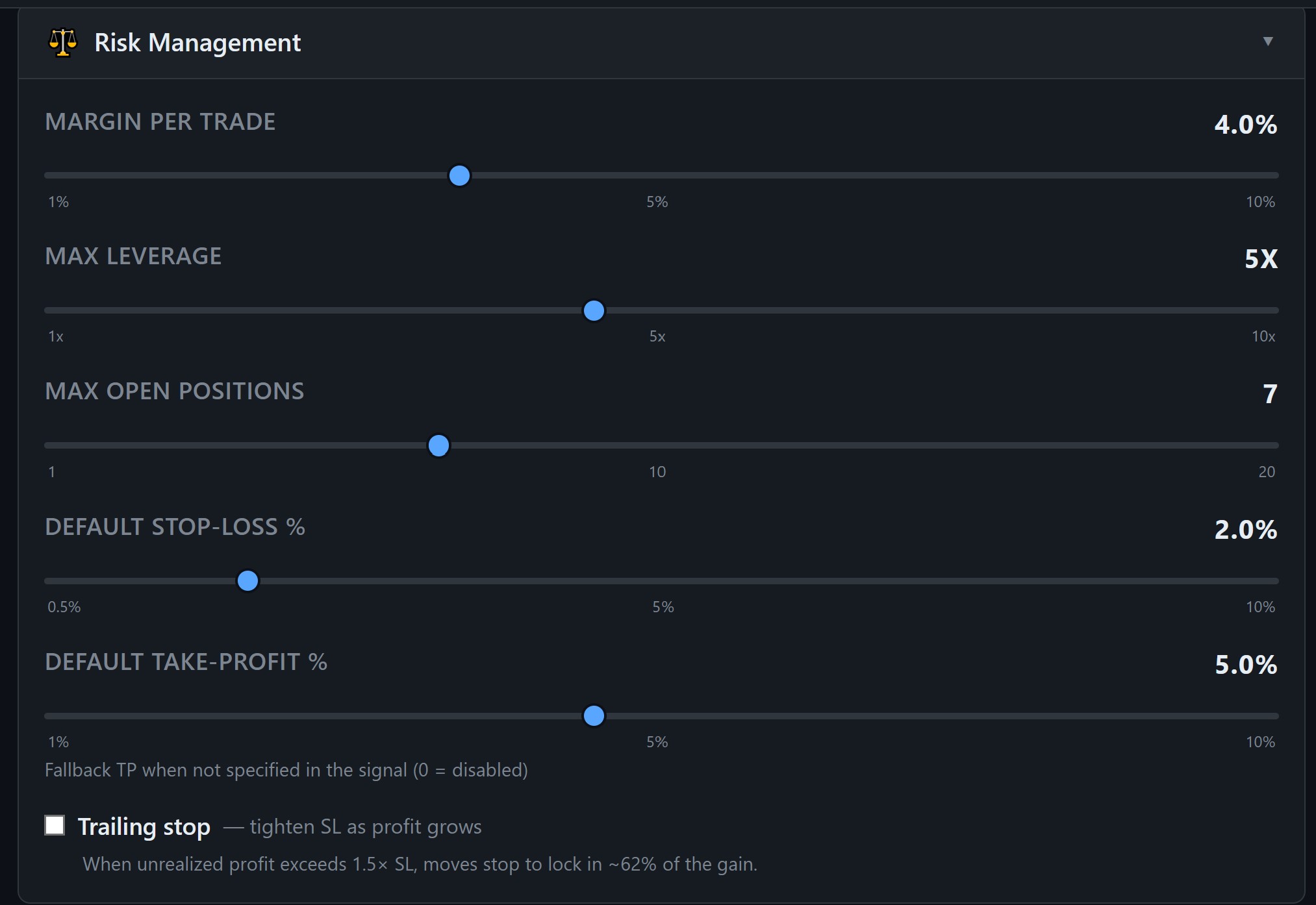
Five sliders control your risk profile. No manual position sizing — the agent calculates everything automatically from these settings. Configure risk before production (defaults are a starting point, not a strategy).
- Margin per trade — % of balance per position (e.g. 4%)
- Max leverage — cap on exchange leverage (e.g. 5?)
- Max open positions — total concurrent trades allowed (default 20 — enough for multi-coin strategies)
- Default Stop-Loss % — fallback SL if signal doesn't specify
- Default Take-Profit % — fallback TP (0 = disabled)
- Daily loss limit % — switches to paper when the limit is hit
Connect your Telegram bot
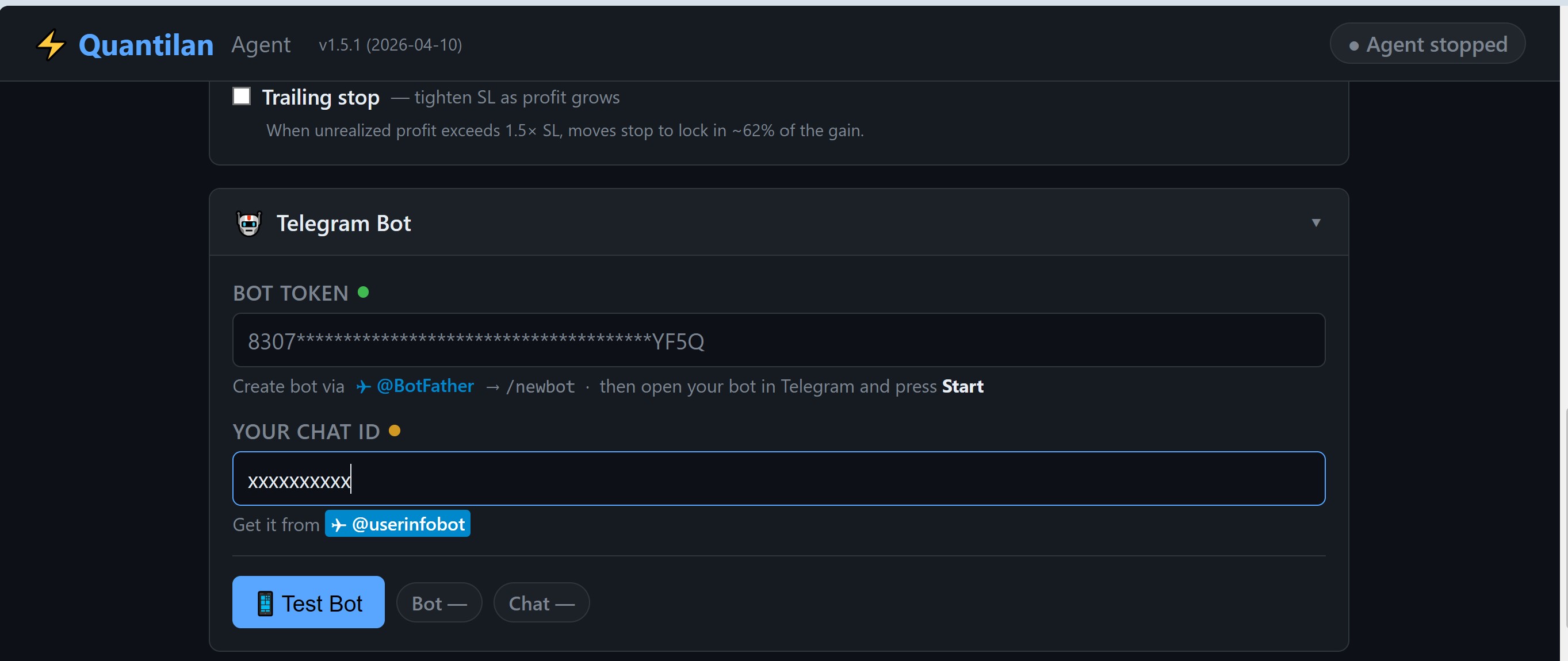
Required for every agent: your own Telegram bot for control and notifications — no third-party access to your chat.
- Message @BotFather > /newbot to create a bot and get the token
- Paste the token and use Connect in the GUI (or get Chat ID from @userinfobot)
- Click Test Bot until it passes
Choose your signal source
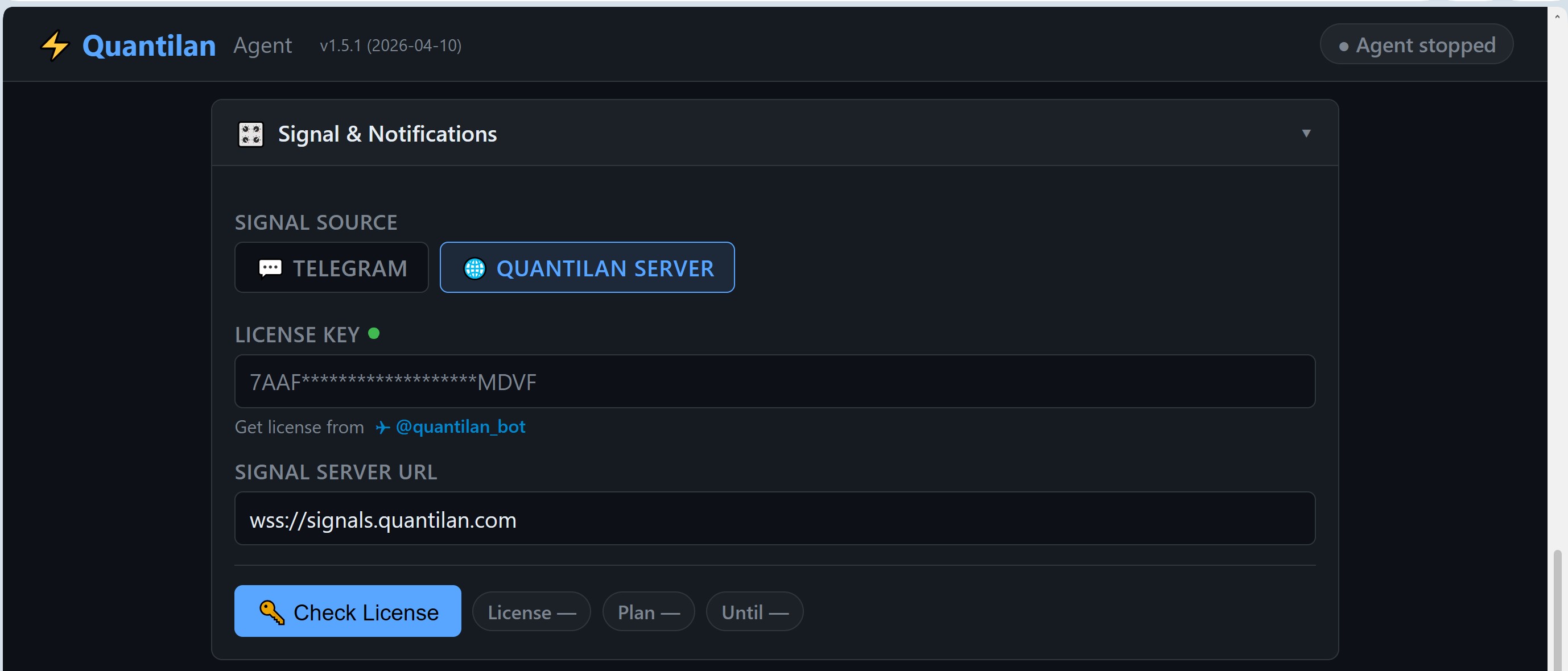
Choose how the agent receives trade signals:
- Quantilan Server — curated algo strategies over WSS. Get a license (
LICENSE_KEY), bind it to your Telegram account, run the Signal & License test - Telegram — forward messages from any channel or type commands yourself; choose Regex (fast) or LLM (flexible) parser
- AI Helper — autonomous AI on each new candle. Enter your Quantilan license if your plan includes AI Helper, plus LLM provider API key (e.g. Groq)
- TradingView — HTTP webhook from TV alerts (
TV_SECRET)
Choose your parser model
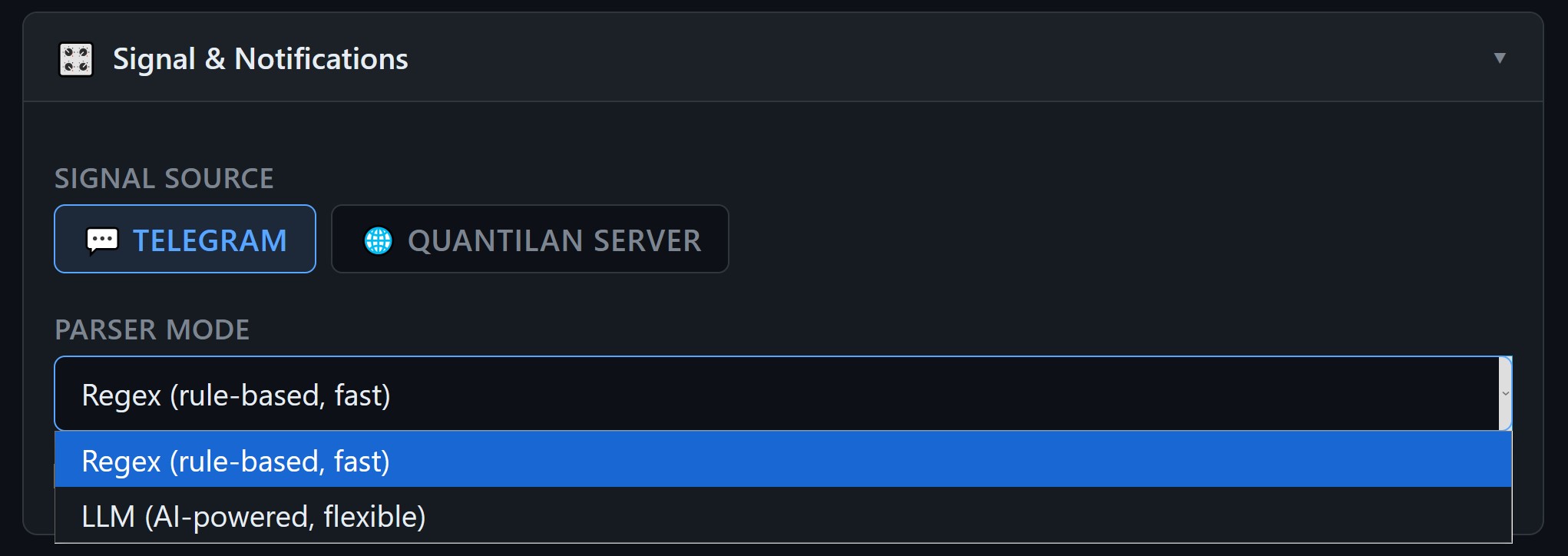
When using Telegram as your signal source, choose how the agent parses incoming messages:
- Regex — fast, deterministic, low latency; works best with structured signals in a known format
- LLM — flexible, handles natural language and complex signal formats; uses a language model to extract trade parameters
AI Analyst / AI Helper
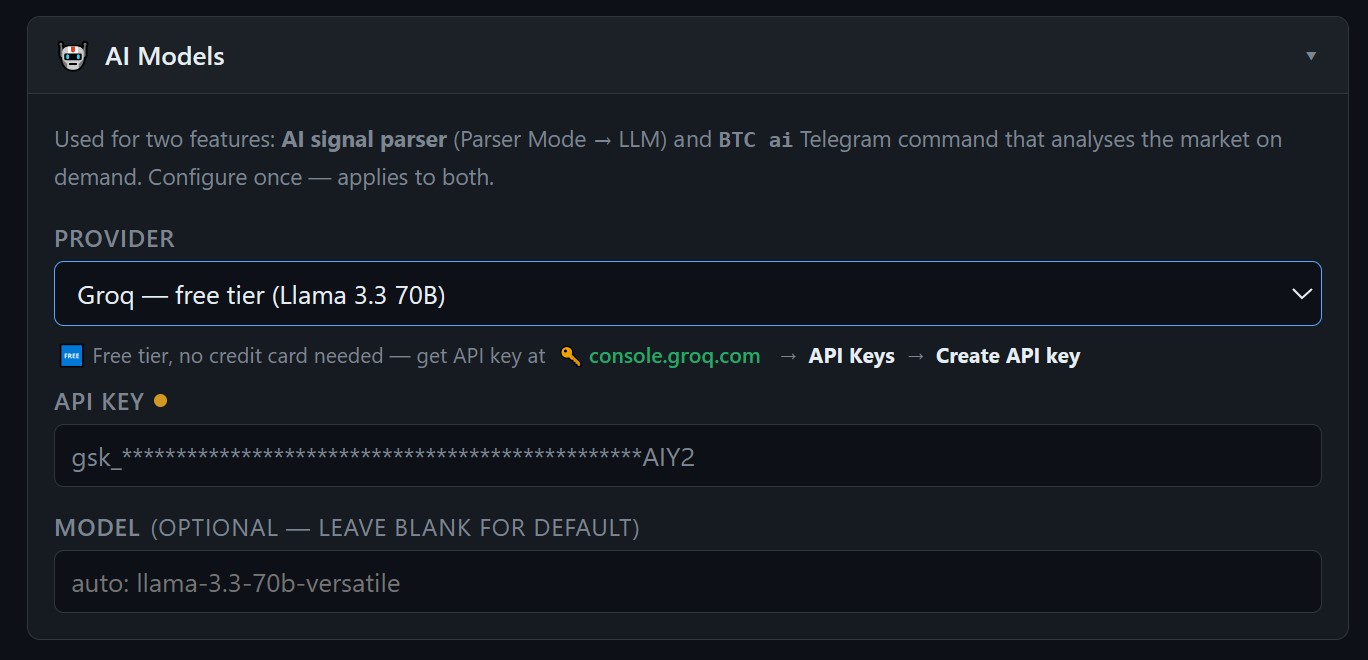
Open the AI Models tab for on-demand analysis (btc ai) or set AI Helper as the signal source for autonomous watches.
- Enter LICENSE_KEY if your Quantilan plan includes AI Helper
- Get an LLM API key at console.groq.com (free tier) or Anthropic — paste into the GUI
- Works for any coin:
eth ai,sol ai,bnb ai - One tap to execute the returned setup, or cancel
Enable chart notifications
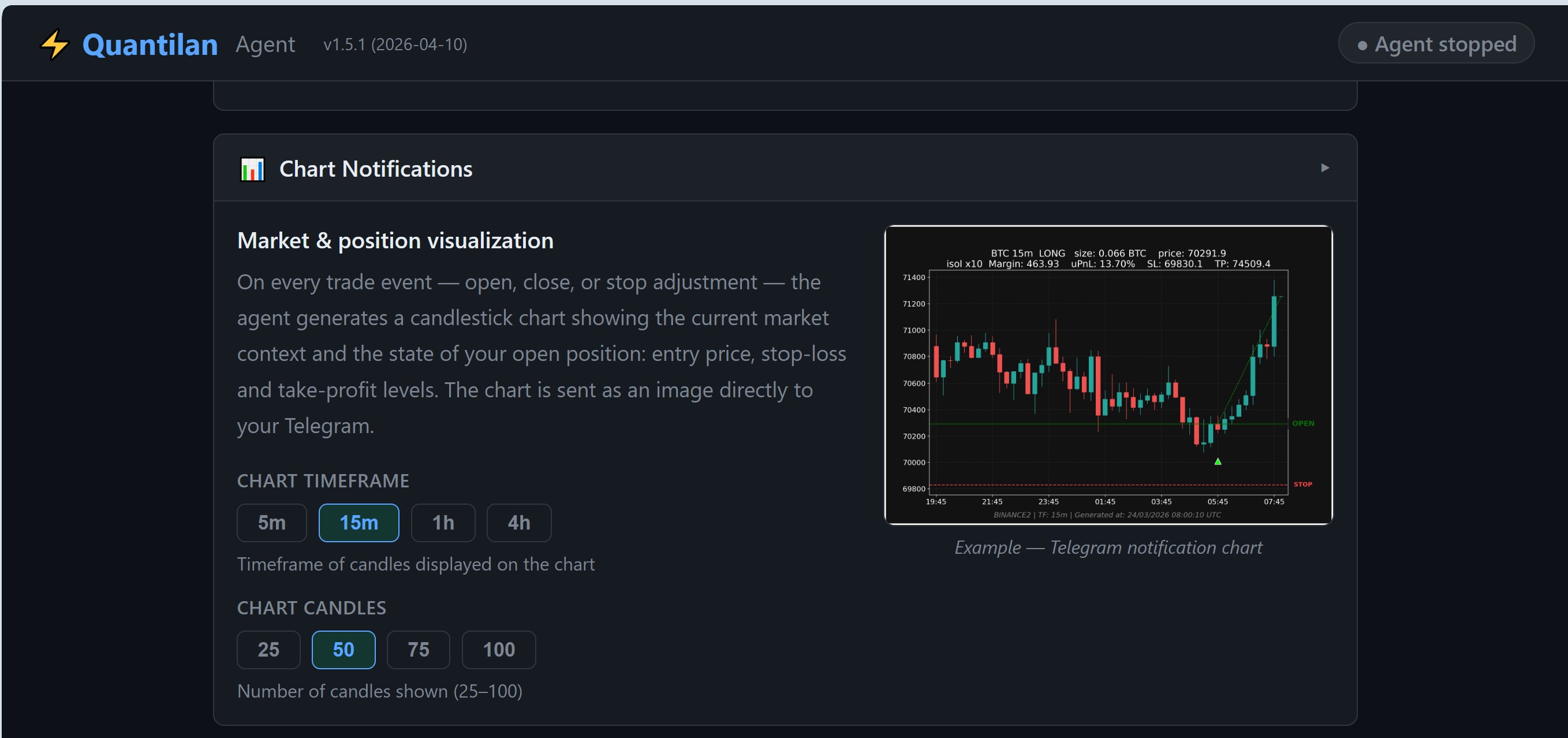
On every trade event — open, close, or stop adjustment — the agent sends a candlestick chart to your Telegram showing the position: entry price, stop-loss, and take-profit levels.
- Choose timeframe: 5m / 15m / 1h / 4h
- Choose candle count: 25 / 50 / 75 / 100
All green — save and start
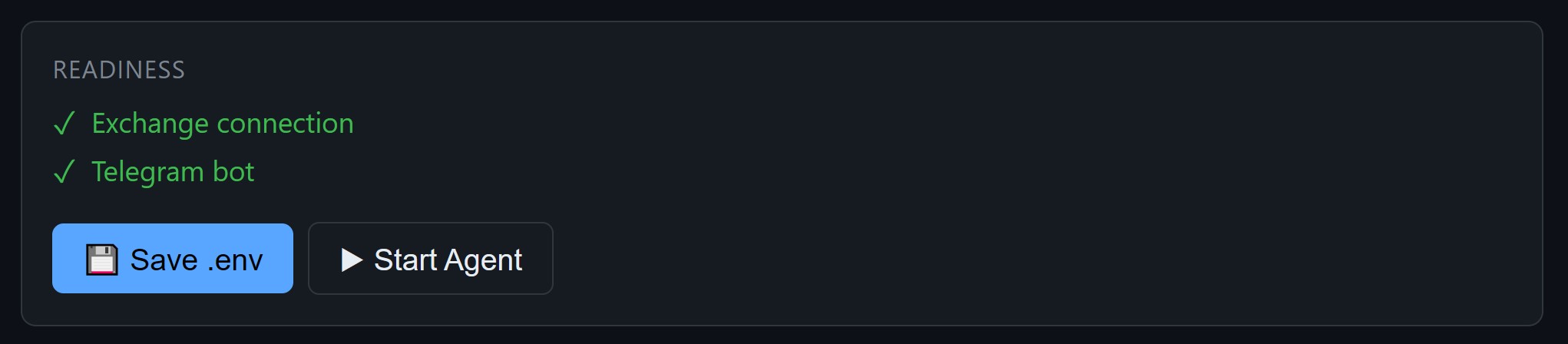
The Readiness panel shows green checkmarks for each validated component. When required checks for your mode pass:
- Click Save .env to write your config to disk
- Optional: Start Agent (test) — short check only; it stops when the GUI stops
- On VPS / Docker production: stop the GUI, then run
make startfor 24/7 (auto-restart) - From this point, manage everything from Telegram
Your agent is running. Now control it from Telegram.
Type commands, forward signals, get charts — all from your phone. See how it works in practice.
Read the Telegram Guide